
A support vector machine draws the widest possible line between two classes of data, and puts the boundary exactly in the middle of that gap.
Because of that it does not need a lot of data to work. On data with many features it needs help, which is what the kernel trick is for.
Because of that it needs little data to work. On data with many features it needs the kernel trick, which measures distance in a different way.
Understanding SVM Classification
SVMs excel at classification tasks. To visualize this, consider:
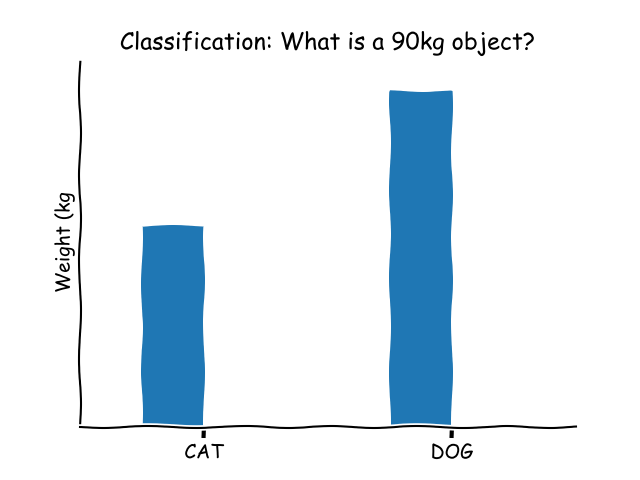
An SVM functions as a discriminative classifier, using a hyperplane to differentiate between data points. Given a set of labeled training data, the SVM generates an optimal hyperplane to classify new, unseen data.
Why Choose Support Vector Machines?
There are several compelling reasons to use SVMs:
- Their conceptual simplicity makes them easy to understand and implement.
- SVMs offer a technique to calibrate the model’s outputs to produce probability estimates.
- They provide a method to identify outliers within the training dataset.
- They can simplify multi-class problems into a sequence of binary classifications.
SVMs find wide applications in:
- Text and hypertext categorization, as they can dramatically reduce the demand for labeled training samples.
- Image classification, where they often outperform traditional query refinement methods.
- Recognizing handwritten characters.
- Classifying scientific data, such as accurately categorizing proteins.
Preparing Data for SVM
SVM requires specific types of input:
- Numerical Inputs: SVM expects numeric input data. If your data includes categorical variables, you’ll need to convert them into binary dummy variables.
- Binary Classification: While SVM is designed primarily for binary classification, there are extensions for multi-class problems.
from sklearn import svm |
Delving Deeper into SVM
Before you can use an SVM, you need to feed it with training data, given that it’s a supervised learning algorithm.
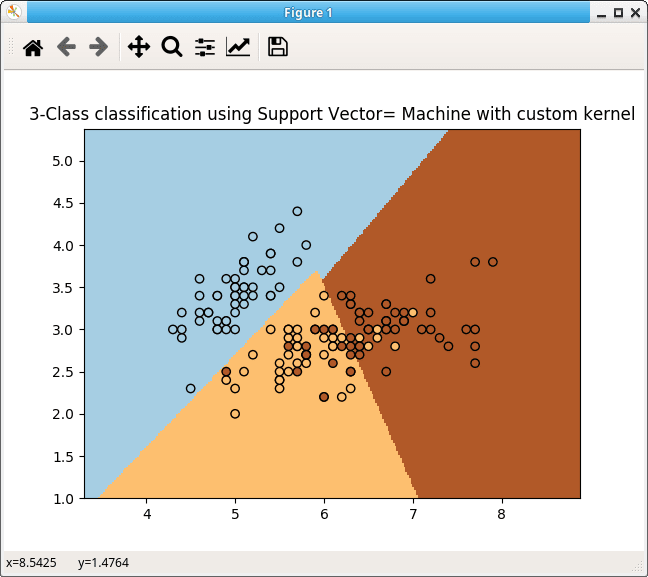
For example, if you have two numeric input variables, they’ll create a two-dimensional space.
X = [[1, 1], [0, 0]] |
Setting up and training an SVM is straightforward:
clf = svm.SVC() |
After training, making predictions is equally simple:
# make predictions |
There’s a vast realm of knowledge surrounding Support Vector Machines. Hopefully, this concise overview provides you with a foundational understanding of the algorithm.
Reading helps, writing fixes it. PyChallenge has exercises on this and you can try them right now.