
Flask has an extension for APIs called Flask-RESTful. It saves you from writing the same routing and json code for every endpoint.
An endpoint becomes a class with a method per http verb: get, post, delete. Return a dict and Flask-RESTful turns it into json with the right content type.
Return a dict and Flask-RESTful turns it into json with the right content type. That is all you need for a small API.
SQL is the language you use to ask a database questions. If you want to get better at it, SQLCrab runs real queries in the browser, nothing to install.
Setting Up the Environment
Before diving into application creation, it’s imperative to set up a conducive environment that ensures the isolated installation of Python packages.
To achieve this, virtualenv is your go-to solution:
sudo pip install virtualenv |
Following its installation, you can create and then activate a virtual environment, aptly named venv:
virtualenv venv |
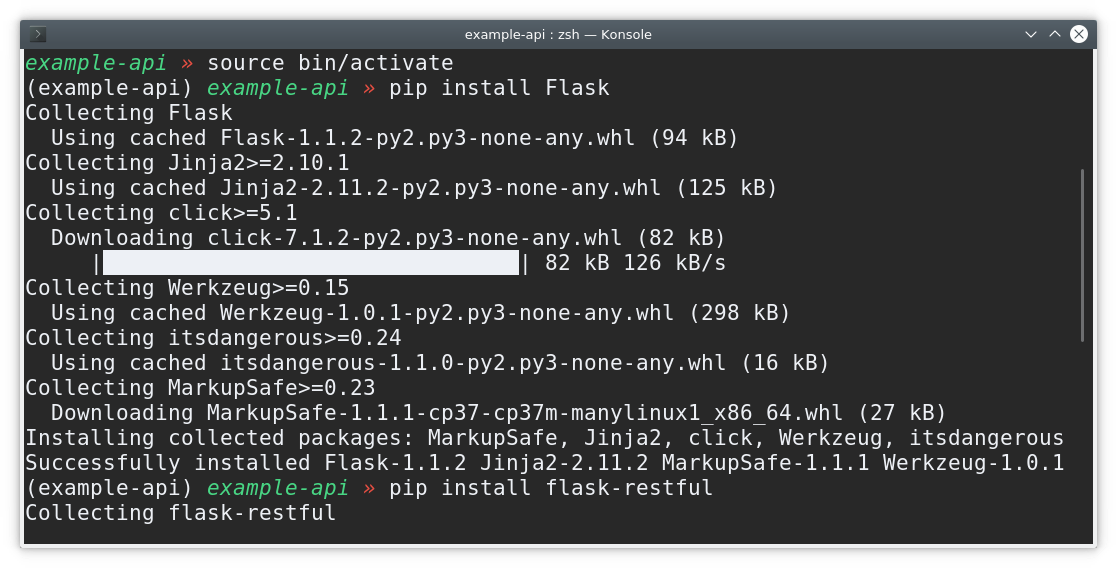
With the virtual environment up and running, it’s time to install Flask and Flask-RESTful:
pip install Flask |
Crafting a Flask Rest API
With the required libraries installed, let’s initiate the creation of a file named main.py. First on the agenda is importing Flask and the flask_restful module:
from flask import Flask |
For the sake of this demonstration, we’ll curate a small class as illustrated below:
class Quotes(Resource): |
Despite the static data used here, the flexibility of Flask allows for integration with dedicated servers. Following this, we need to add the crafted class to our API:
api.add_resource(Quotes, '/') |
Collating everything, the final code resembles the following:
from flask import Flask |
Once you run the script, the following output emerges:
~ » python api.py |
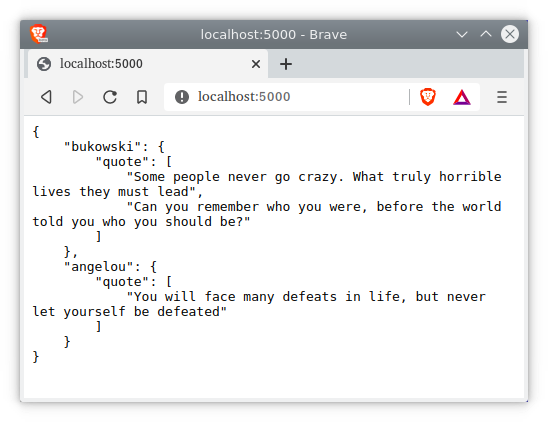
Just navigate to localhost:5000/ to view the comprehensive JSON object.
Diving into Resourceful Routing
For this segment, let’s begin by crafting the script showcased below:
from flask import Flask, request |
To get a sense of this API’s capabilities, add a few users to the initially empty users dictionary via HTTP PUT requests. The Python shell is an excellent environment to emulate web browser requests:
from requests import put,get |
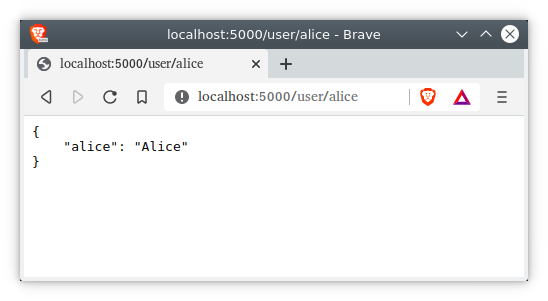
Furthermore, these GET requests can be executed directly from your web browser for a visual inspection.
The fastest way to learn this is to write it yourself. The PyChallenge exercises run in your browser, no install needed.